Group members
Open a group and go to Settings to manage members.
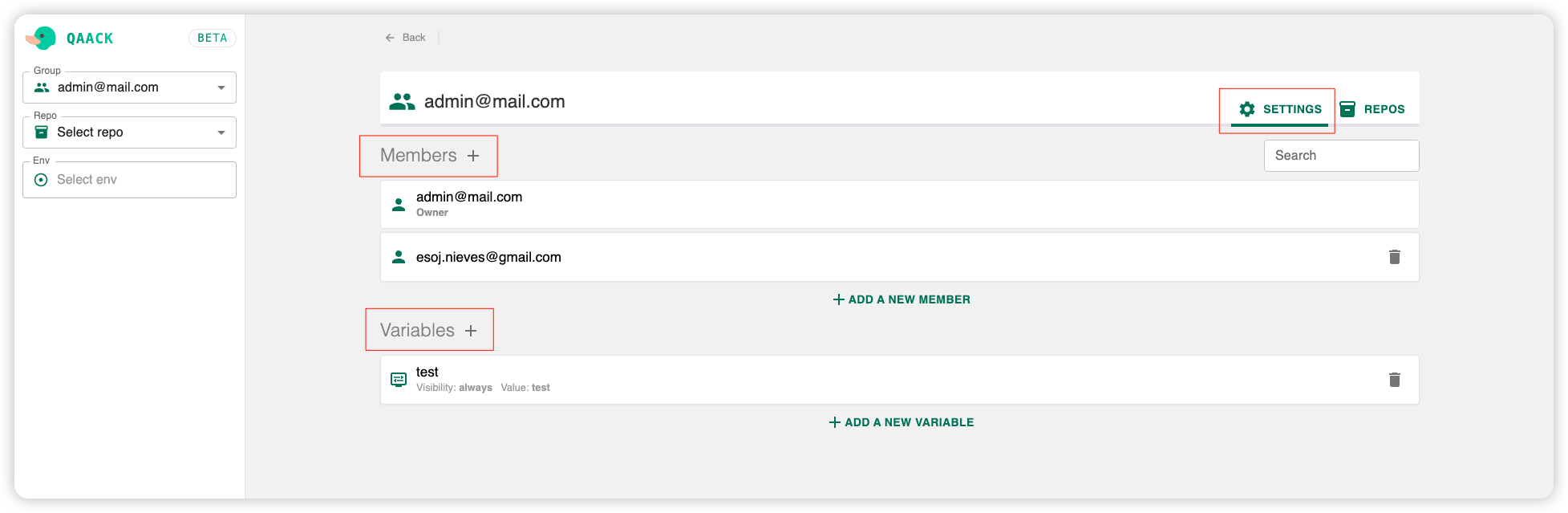
Adding members
The Add member screen lets you stage several members (typed or picked from autocomplete, or pasted as a comma or space-separated list) before sending the invites. Suggestions come from users already on this Qaack instance. For each member you can choose their role:
- Leave admin unset (or
false) to add them as a plain Member - Set admin to
trueto add them as an Admin
If a staged member cannot be invited (for example, they are already in the group), they stay in the list with the reason shown.
Role capabilities: Roles & permissions.
Updating permissions
You can promote or demote any member via the members settings panel. Owners cannot be demoted by admins — only another owner can change an owner’s role.
Members who are repository maintainers show a wrench icon next to their row; hover it to see which repositories they maintain (each name links to that repository’s Security & Access settings).