Security & access (repository)
Open the repository → Settings → Security & Access.
Repository maintainers
Repository permissions sit on top of group roles. A maintainer is a group member who can administer this repository only — full settings access without becoming a group admin.
The permission matrix is the full who-can-do-what table.
- Open the repository → Settings → Security & Access.
- In the Maintainers list, add a group member by searching name or email (suggestions are limited to people already in the group), or remove one.
Notes:
- Group owners and admins already manage every repository; they do not need a maintainer row.
- The person you add must already be a member of the group.
- Existing maintainers (and group admins/owners) can add or remove maintainers.
- Removing someone from the group also removes their maintainer roles in that group's repositories.
- Transferring a repository may require inviting maintainers to the destination group — see Transfer.
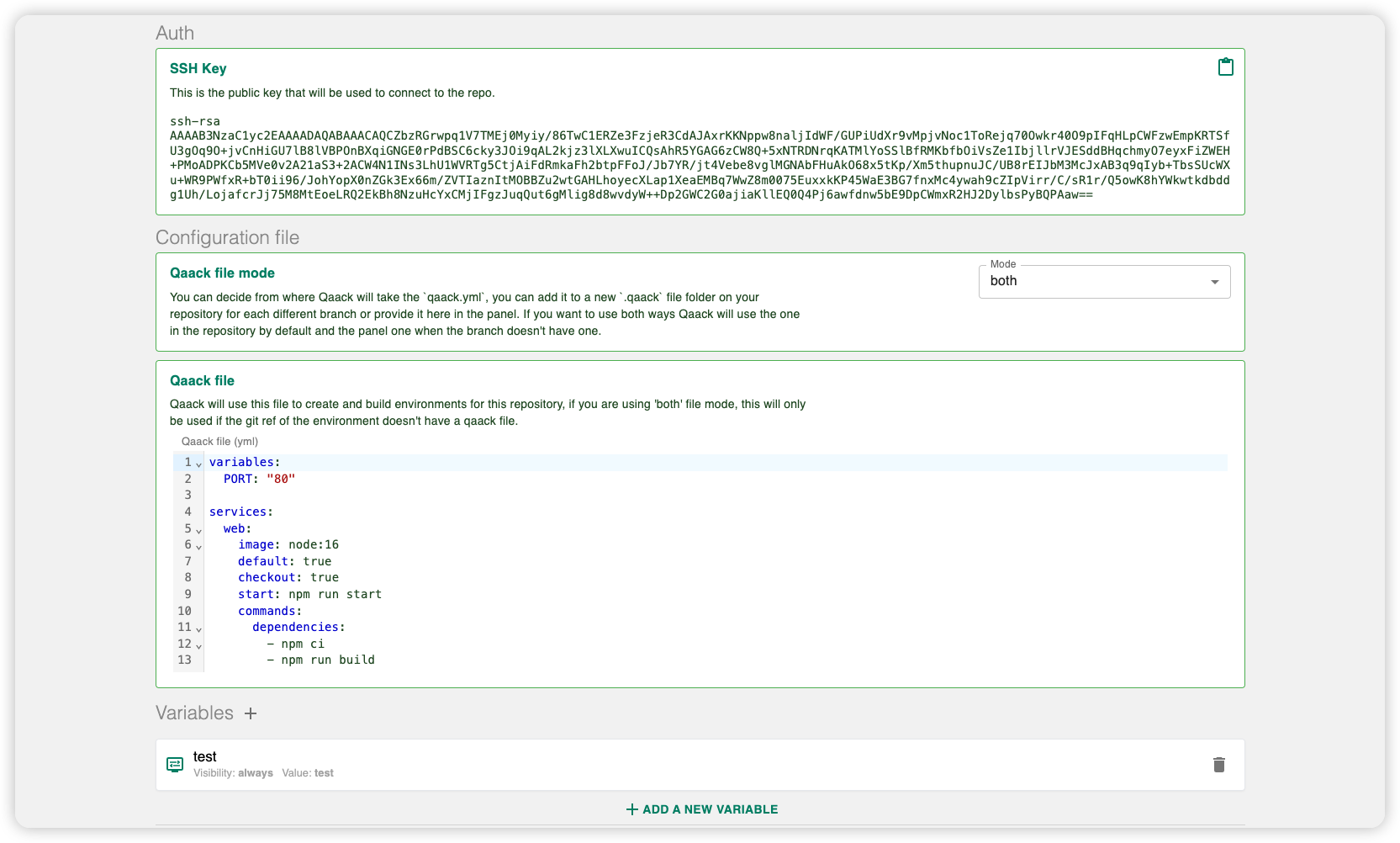
SSH key
Each repository has its own 4096-bit key pair, generated at create time. The
public key is shown here; the private key is injected into services at
/root/.ssh/id_rsa. See SSH keys.
IP allowlist
Restrict who can open environments of this repo. Enter a comma-separated list of IPs or CIDR ranges. Clear the field to allow all IPs. Denied requests get the environment-not-found page.